A 3D model and a walk in augmented reality
A scanned building gives you more than a flat floor plan — it gives you a spatial model. And you can stand it in the middle of your living room.
A floor plan is useful, but flat. Plenty of things — the height of an attic, the slope of a ceiling, how storeys stack — get lost on a flat drawing. So from the same scan Pásek also builds a spatial model of the whole building.
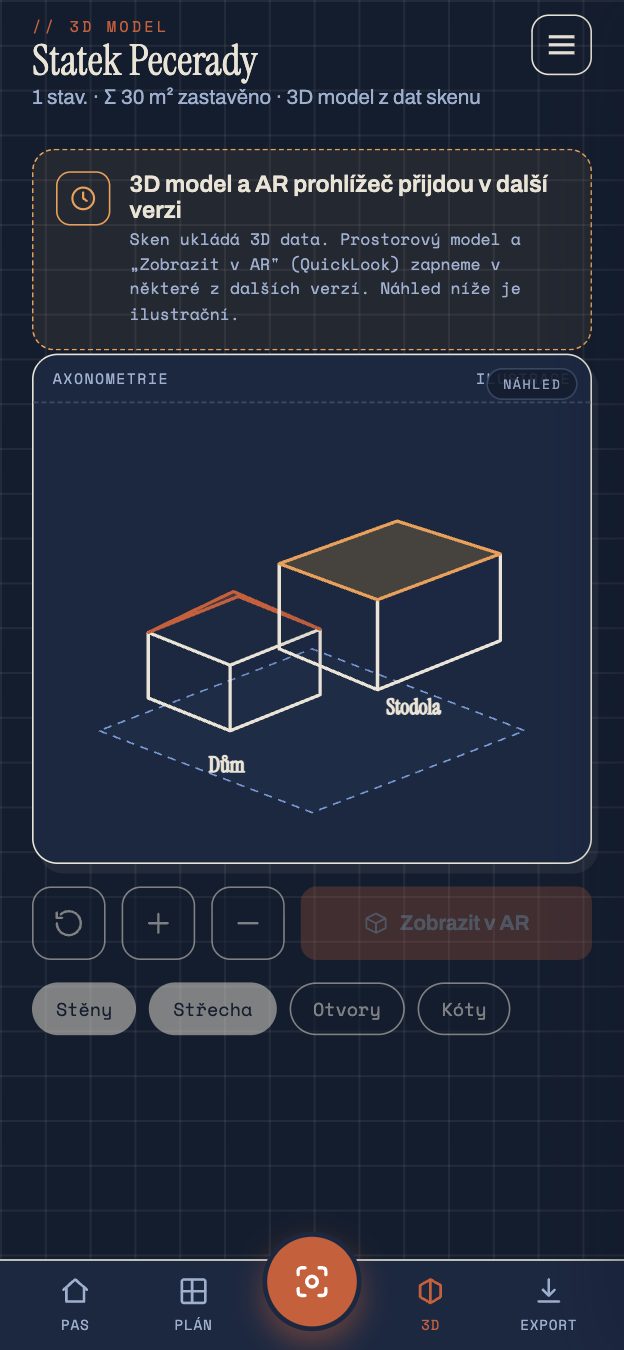
A model that keeps its measurements
This isn't a "how it might look" visualisation. It's a model built from real dimensions: walls have their true height, rooms their position, storeys sit on each other the way they actually do. You rotate it, view it from every side, look at the house like a model on a table.
As with the floor plan, the same rule applies here: no cosmetic straightening. If a wall leans, it leans in the model too.
And now the best part — AR
Apple has its own 3D format, USDZ, and Pásek can export the model into it. What that means in practice: you open the model in augmented reality and stand it in the middle of the room. You walk around it, crouch down, look "inside". It works natively on iOS, with nothing extra to install — the same technology Apple uses to preview furniture before you buy it.
It comes in handy when planning with a tradesperson or architect: instead of waving hands over paper, you both stand over the same model of the house.
Where it's heading
The spatial model is also the foundation for things still to come — volume calculations (how many cubic metres to heat, how much rubble to haul away) are up next in future versions.
Pásek is an orientation tool, not a geodetic survey.
Next time we'll leave the house and look outside — at the plot of land and what the cadastre reveals about it.