What you take away from the passport
Measuring is half of it. The other half is getting the result out — to a tradesperson, into a project, into the archive. Pásek exports to PDF, a 3D model, data and a CAD drawing.
Scanning and measuring are only the means. The value appears once you get the result where you need it — into a tradesperson's hands, into an architect's project, into your own "house papers" drawer. So Pásek offers export in several forms, each for a different situation.
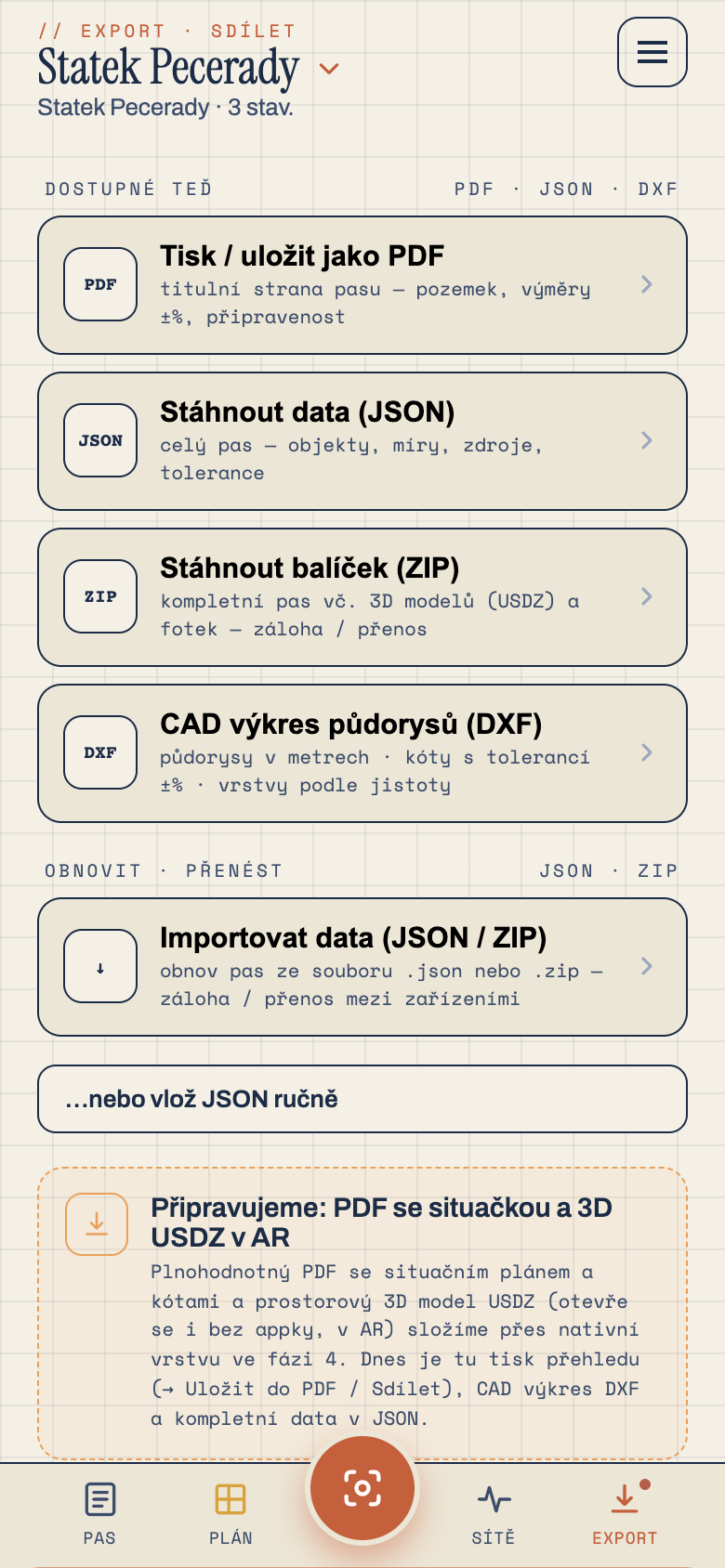
For people: PDF
The main tangible output is the PDF property passport. On a single document: a title page with the address and areas, a site plan with the parcel and buildings, floor plans with dimensions, an area table with declared tolerance in per cent, photo documentation and disclaimers. Email it, print it, file it. Anyone understands it.
For computers: data and CAD
- JSON — machine-readable data of the whole passport. For anyone who wants to work with it programmatically.
- DXF — a CAD drawing you open in design software. An architect builds on it directly.
- SVG — the site plan as a vector image for documents and presentations.
- USDZ — a 3D model for viewing in augmented reality (there was a separate instalment on that).
Everything at once: the package
Don't want to deal with formats? Download the ZIP package and tick what it should contain — from bare data to a complete set with photos, the PDF and drawings. And importantly: the package can be imported back. The passport data is always in it, so you can restore the whole property from the package — on another phone, after a reinstall, any time. It's your backup and your way to hand the passport over.
The PDF and the other outputs are orientation documentation. They don't replace official project documentation or a geodetic survey.
Next time we'll take a completely different angle — let's talk money. Why you buy Pásek once and it has no subscription.